

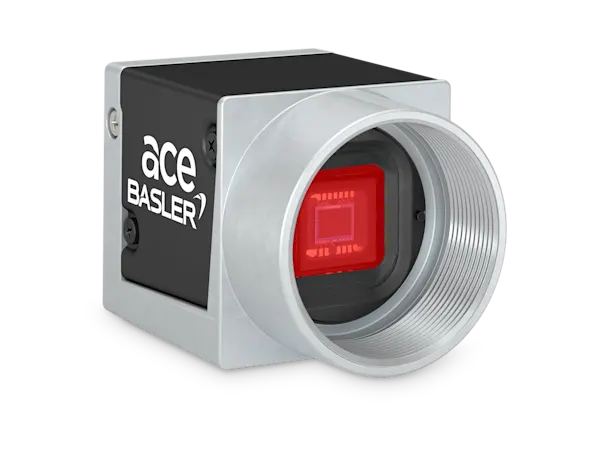
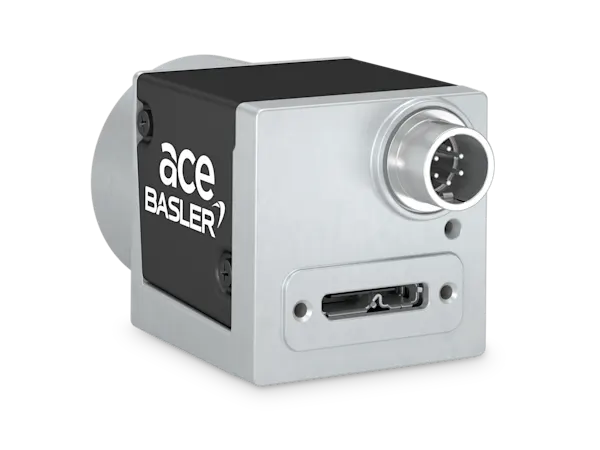
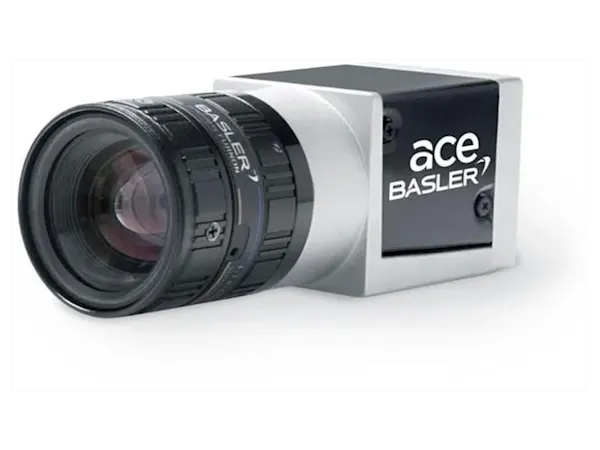
General Information
| Manufacturer | Basler |
|---|---|
| Order Number | 106229 |
| Product Family | ace Classic |
| Product Line | ace Classic |
| Camera Series | Basler ace |
| Camera Category | Area Scan Camera |
| Warranty | 36 Months |
Sensor
| Sensor Vendor | onsemi |
|---|---|
| Sensor | MT9P031 |
| Shutter | Rolling Shutter |
| Sensor Format | 1/3.7″ |
| Sensor Diagonal | 4.84 mm |
| Sensor Type | CMOS |
| Sensor Size | 4.22 mm × 2.38 mm |
| Resolution (H x V) | 1920 px × 1080 px |
| Resolution | 2 MP |
| Pixel Size (H x V) | 2.2 μm × 2.2 μm |
| Frame rate | 26 fps |
| Mono/Color | Color |
| Spectrum | Visible |
EMVA Data
| Quantum Efficiency (typical/minimal) | 57.21 % (typical) |
|---|---|
| Dark Noise (typical/maximal) | 6.4 e¯ (typical) |
| Saturation Capacity (typical/minimal) | 6.7 ke¯ (typical) |
| Dynamic Range (typical/minimal) | 60.3 dB (typical) |
| Signal-to-Noise Ratio (typical/minimal) | 38.3 dB (typical) |
Camera Data
| Interface | USB 3.0 |
|---|---|
| Image Data Interface | USB 3.0, nominal max. 5 Gbit/s (SuperSpeed) |
| Pixel Bit Depth | 12 bits |
| Synchronization |
|
| Exposure Control |
|
| Digital Input | 1 |
| Digital Output | 1 |
| General Purpose I/O | 2 |
| Power Supply | Via USB 3.0 interface |
| Power Requirements (typical) | 2.2 W |
Housing
| Housing Type | Box |
|---|---|
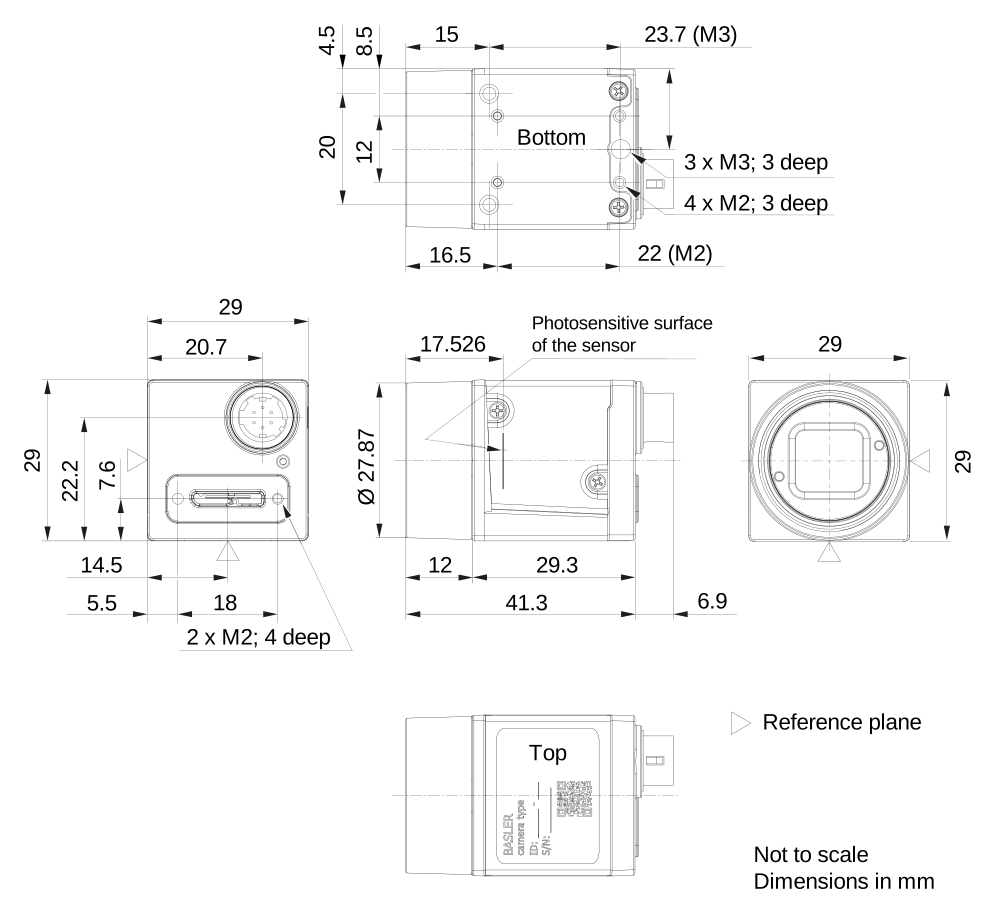
| Housing Size (L x W x H) | 29.3 mm x 29 mm x 29 mm |
| Weight | 80 g |
| Lens Mount | C-mount |
| Operating Temperature | 0 °C – 50 °C |
Technical Drawing
Conformity
- CE (incl. RoHS)
- EAC
- FCC
- GenICam
- IP30
- KC
- RoHS
- UKCA
- UL
- USB3 Vision
Easy Handling
| Auto Functions | Use the camera’s auto functions to allow the camera to find the optimum settings for exposure time, gain, and white balance, for example. This simplifies camera integration into your application. |
| Presettings | Automate recurring steps in your application by using the camera’s default settings and/or creating and saving your own presets. |
Image Quality Optimization
| Color Creation | With this set of features, you can correct artifacts in color images without affecting the structures in the image. |
| Image Adjustment | Adjust pixel values losslessly with Black Level, Digital Shift, and other standard features. |
Process Control
| Digital I/Os | Control the camera via trigger commands or use the camera to control components of your vision system, such as lighting or encoders. |
| Information Utilisation | Use additional information from Chunks and Events to optimize your automation. |
| Sequencer | Program sequential processes in the camera to control image acquisition and pre-processing in real time. |
Speed Increase
| Data Reduction | Use the Binning, Decimation, or ROI features for customized data reduction. |